
Description
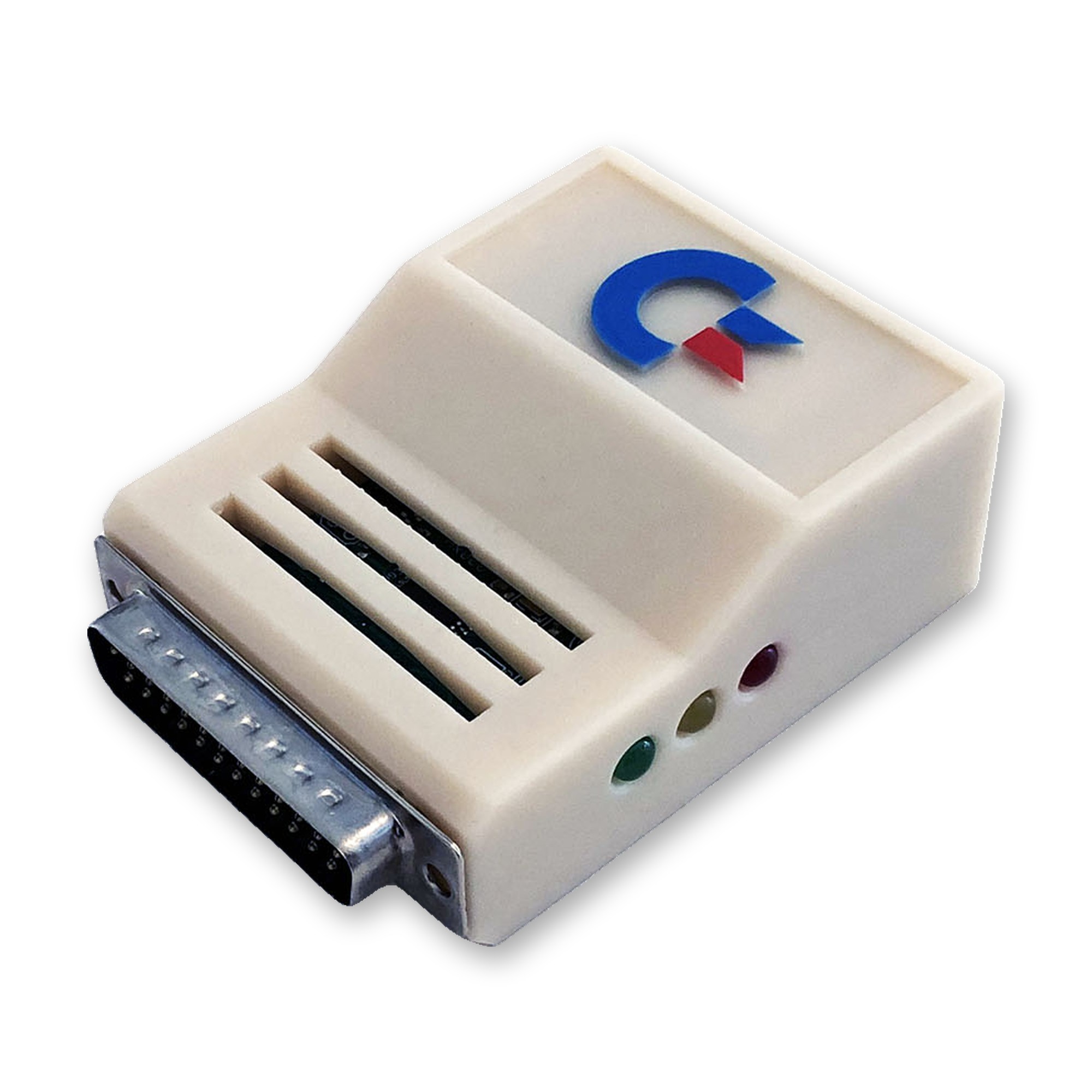
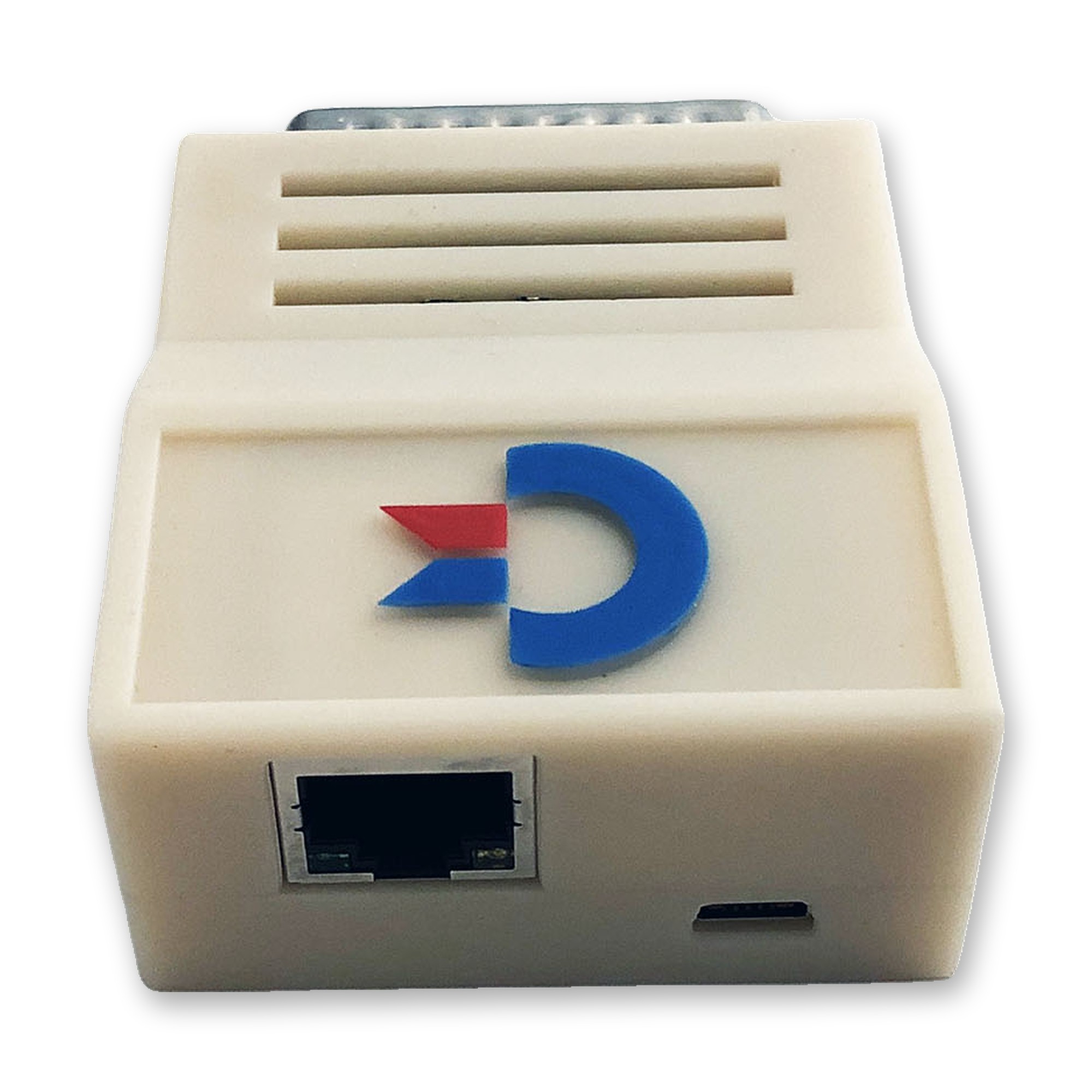
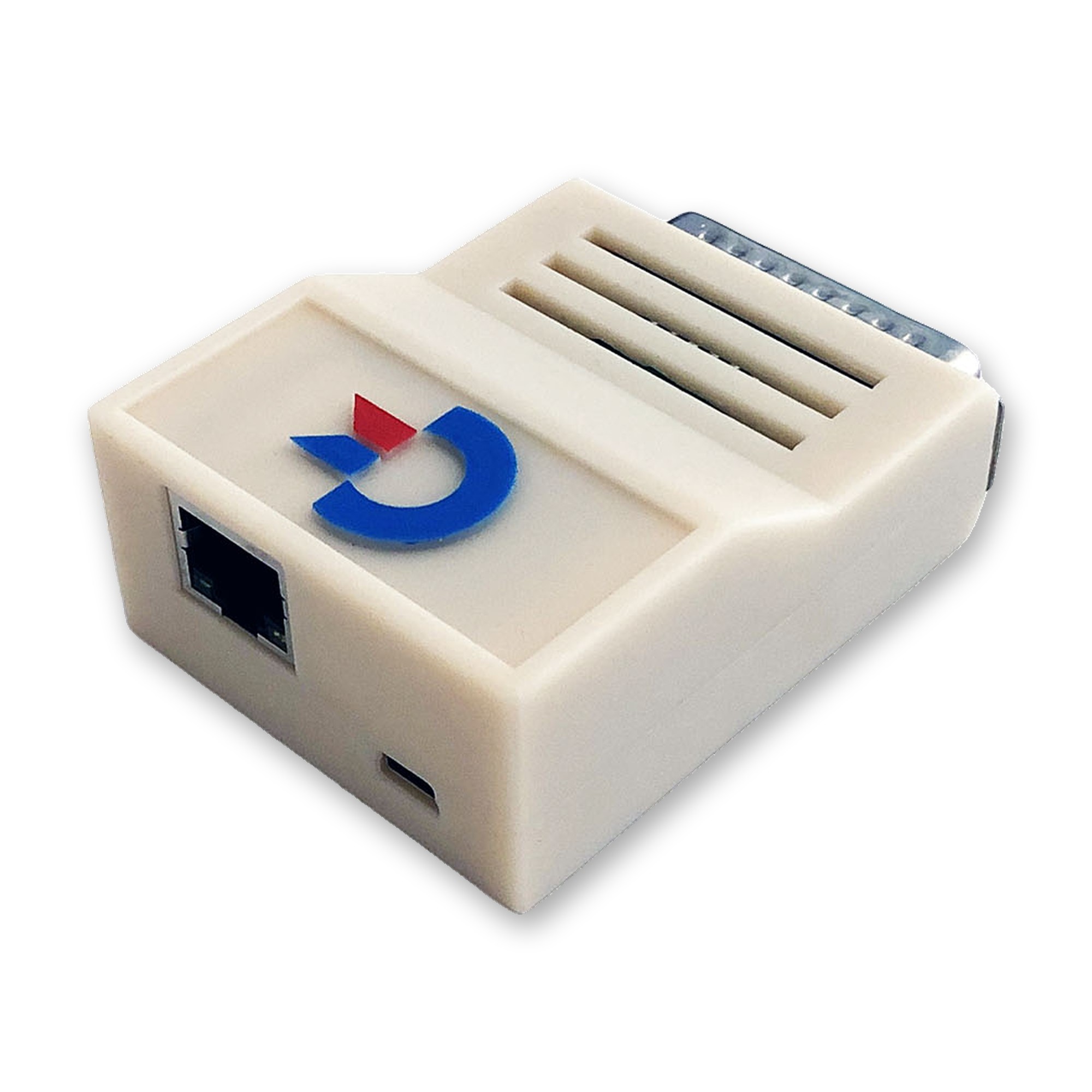
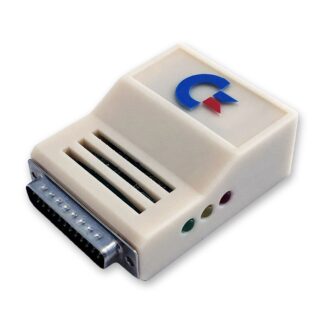
The Plipbox Deluxe connects your Commodore Amiga 500, 600, 1000, 1200, 2000, 2500, 3000(T), 4000(T), CDTV or CD32 to your local network and the Internet via Ethernet. You don’t need to open your Amiga: just plug the adapter into the parallel port.
Every Plipbox Deluxe is also available as a special Amiga 1000 edition (female connector and correct pinout). If you want the A1000 edition, please select it in the drop-down menu above.
Installation
A device driver and a matching setup manual for the TCP/IP stack on the Amiga side are provided online by lallafa, the designer and inventor of the original Plipbox.
Benchmarks
In theory, the I/O speed reaches up to 96 kB/s, which corresponds to 768 kbit/s, the speed of 12 parallel ISDN lines. Benchmarks have shown that the maximum achievable transfer speed is CPU-bound: the faster your Amiga’s CPU, the faster the transfer. You will find more detailed Plipbox benchmarks on GitHub.
Extensions
This edition of the adapter has three LEDs that indicate power (red), network link (yellow) and network activity (green). A built-in PhotoMOS relay also switches the Plipbox Deluxe on and off automatically as soon as you switch your Amiga on or off.
Requirements
An Amiga with Kickstart 2.0 or higher and at least 2 MB of RAM. A hard drive and a 68020 or better CPU are recommended if you want to use a web browser.
Power Supply
The Amiga’s parallel port only provides a maximum current of approx. 10 mA, so an external power supply is needed. You can use a conventional regulated 5 V DC USB charger (e.g. from a mobile phone or an MP3 player), connected to the USB-C port on the rear of the adapter.
Reviews
There are no reviews yet.