
Description
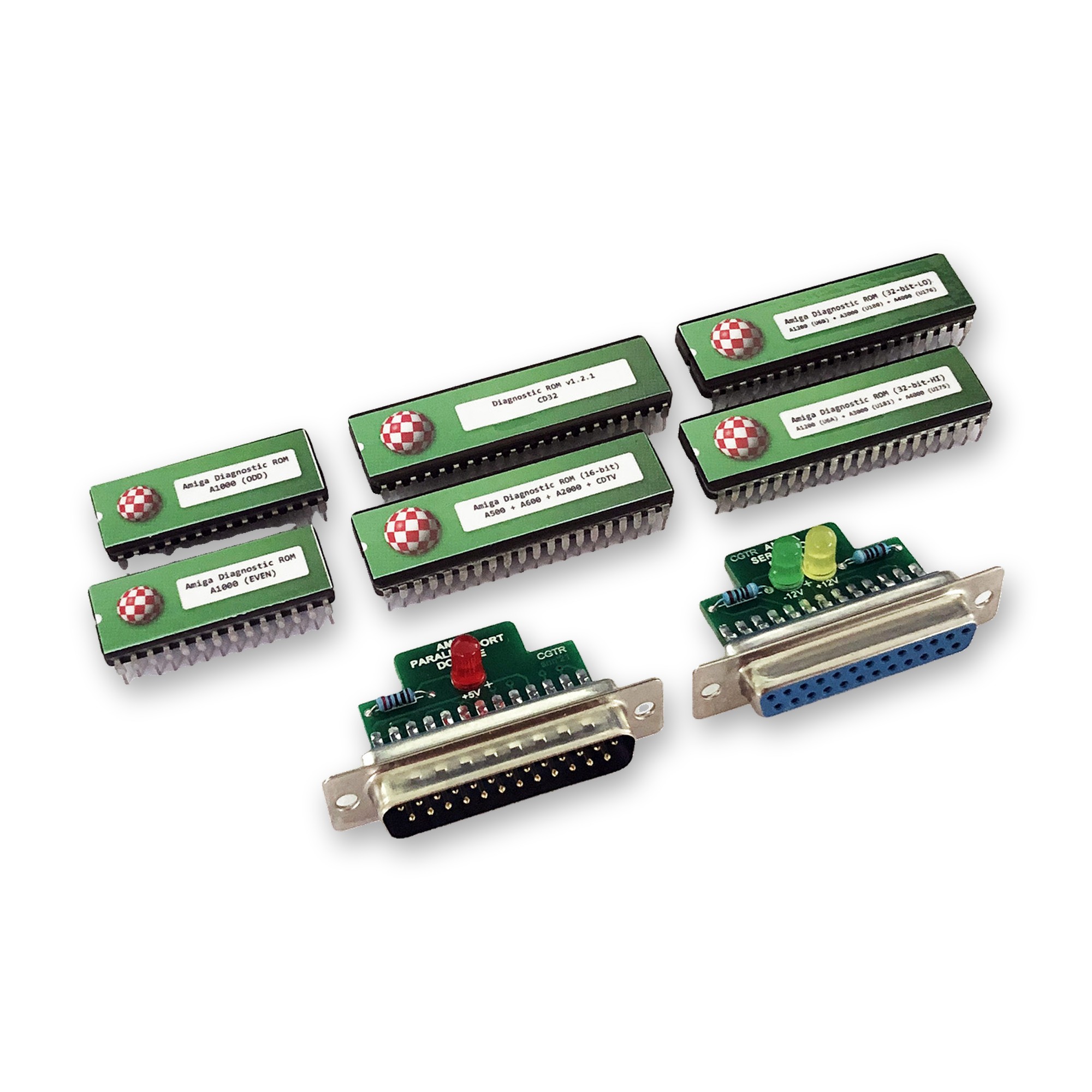
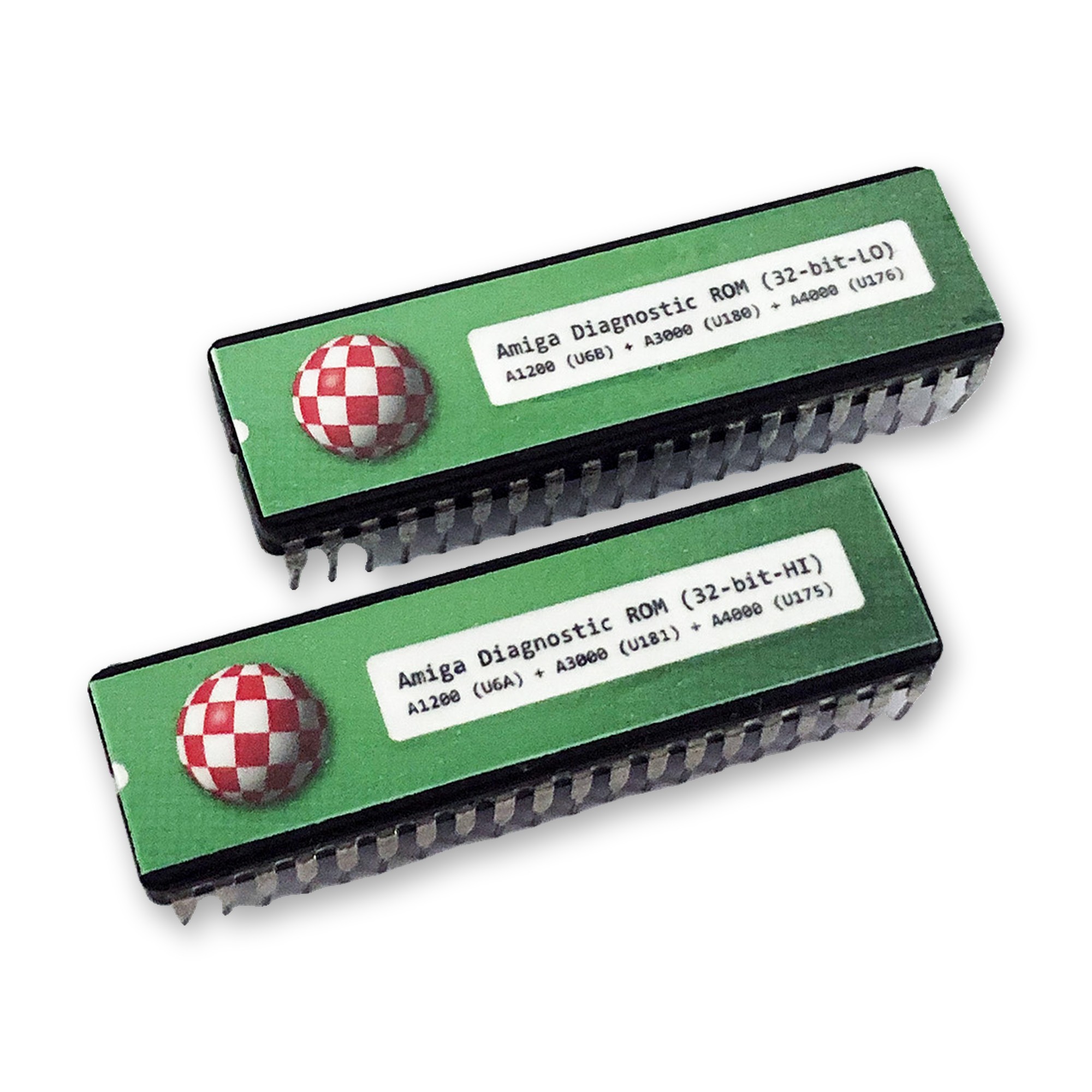
The Amiga Diagnostic ROM is used to debug and test Amiga mainboards. Replace the normal Kickstart ROMs with the DiagROMs, and your Amiga boots into a diagnostic menu. From there you can choose from many test routines: Chip RAM and Fast RAM, serial and parallel ports, mouse and joystick ports, CIA chips, IRQ channels, audio and video output and much more.
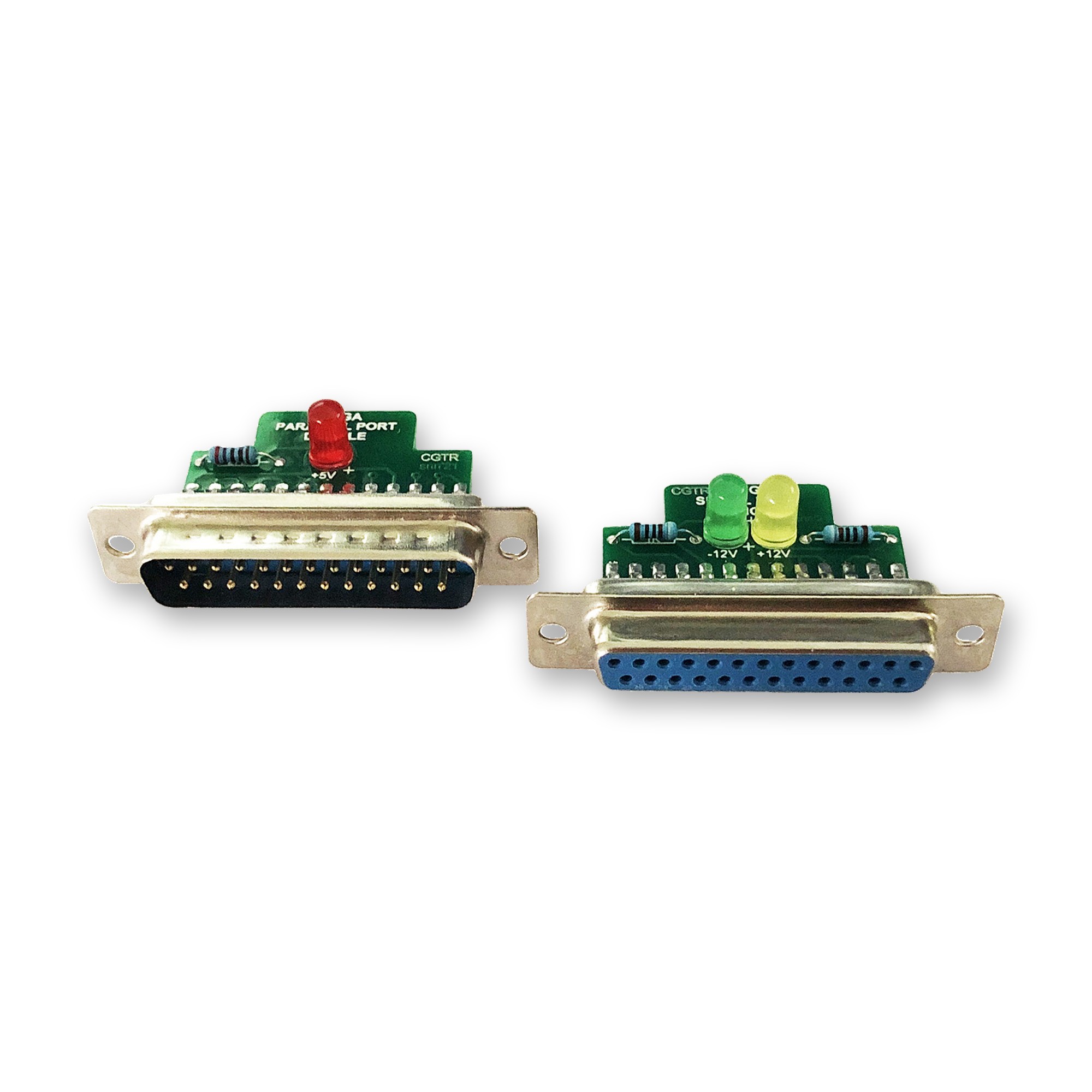
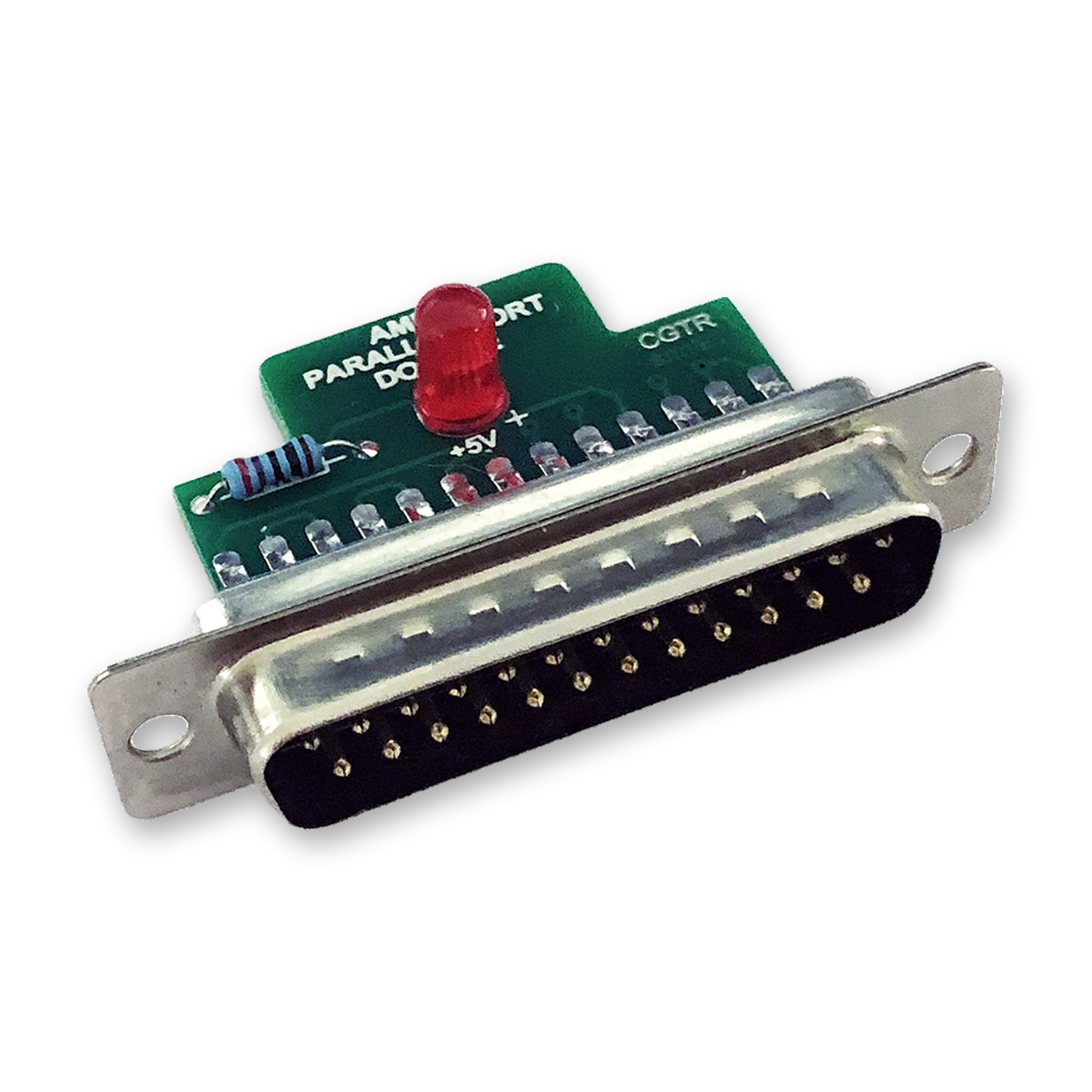
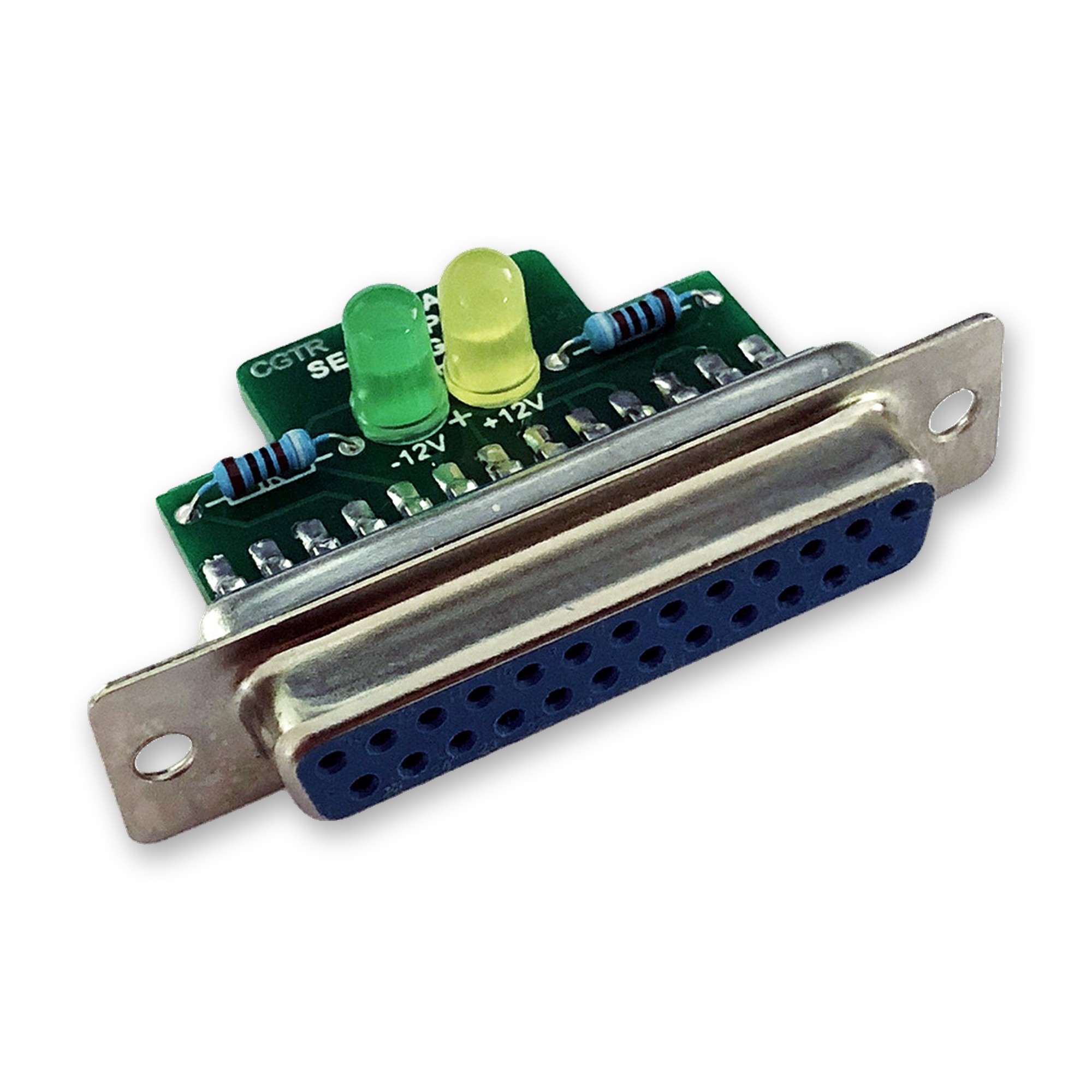
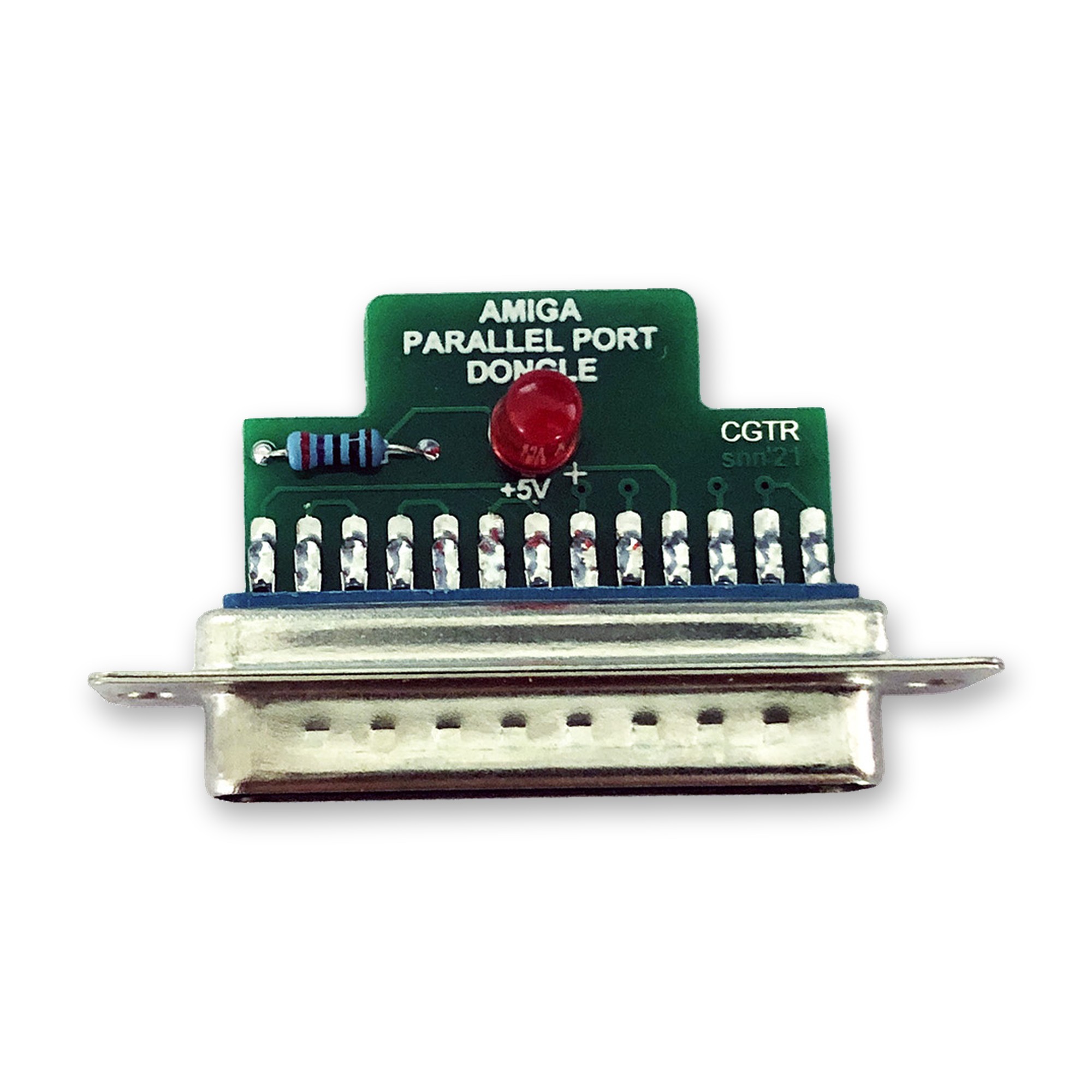
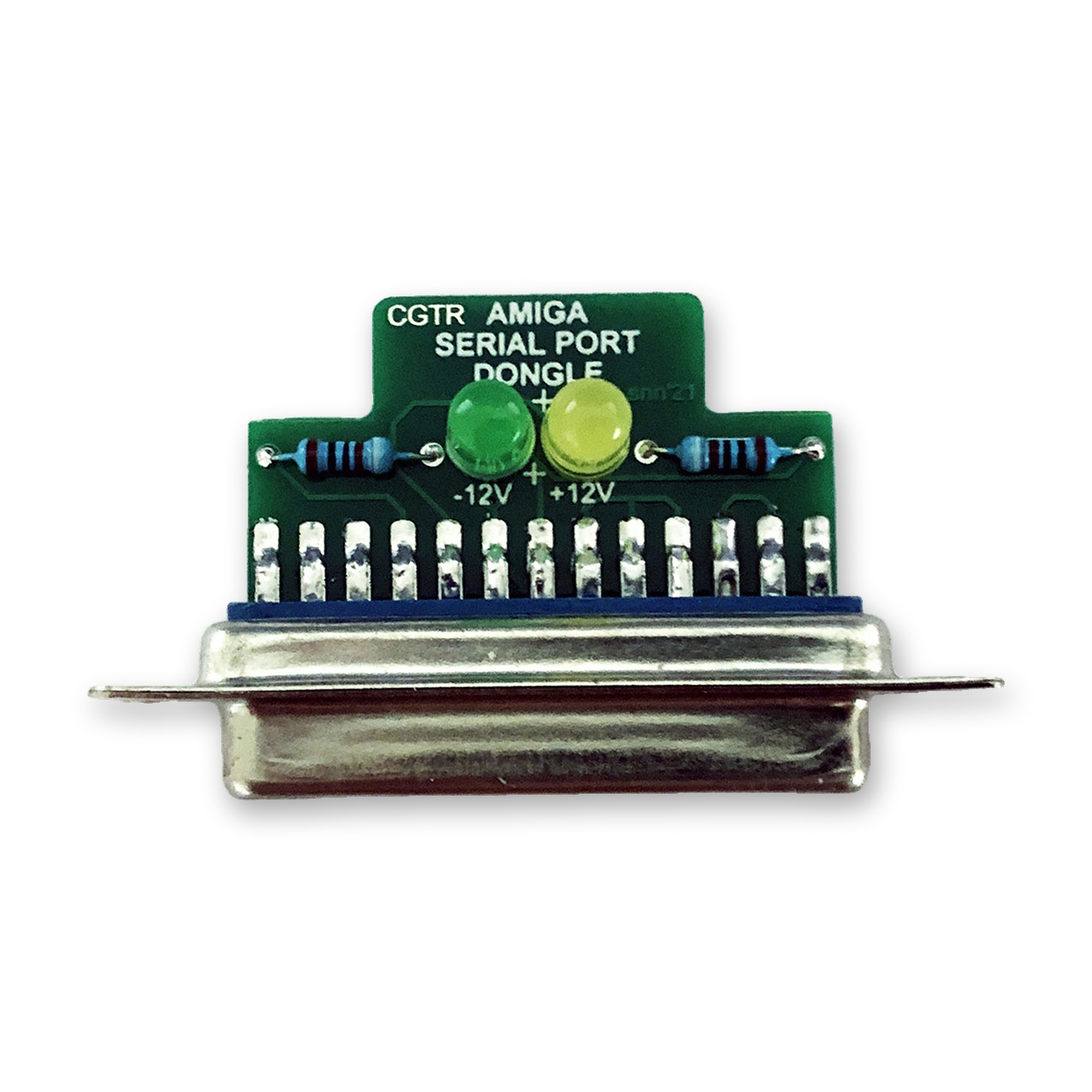
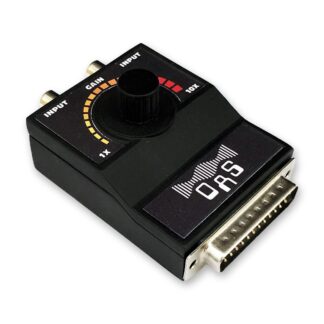
The parallel and serial port loopback dongles are optional extras: tick them in the options above. They can also be used with Amiga Test Kit, which boots from floppy disk.
ROM Sockets
The Amiga 1200, 3000 and 4000 have two ROM sockets. This list shows which ROM goes into which socket:
- A1200: HI = U6A, LO = U6B
- A3000: HI = U181, LO = U180
- A4000: HI = U175, LO = U176
Note for Amiga 1000 Users
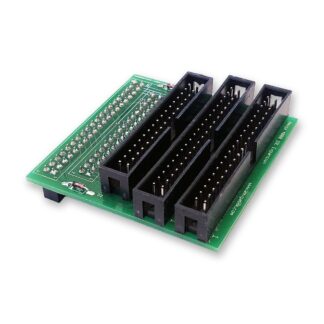
This note applies to Amiga 1000 users only: the parallel and serial port dongles are not compatible with the special parallel and serial ports of the Amiga 1000. However, you can use the parallel port adapter and/or the serial port adapter to use the dongles on the Amiga 1000.
Reviews
There are no reviews yet.